Video CTAs That Convert: Anatomy of a High-Converting Call to Action
How to make your content sell, educate, and even save the world – depending on who’s watching and where. TL;DR: …


Artificial intelligence is revolutionizing every industry, and we at Pitch Avatar are no exception! 😎
Our IT team had been working on a virtual presentation assistant even before the public release of ChatGPT. But, with its introduction, we were able to simplify some of our tasks. That’s why, in April, Pitch Avatar released multiple AI-powered features.
Let’s take a look at text generation for slides based on a prompt (a text task for AI).
It works pretty simply:
1. Enter text idea/task;
2. Get the result.
And that’s it!
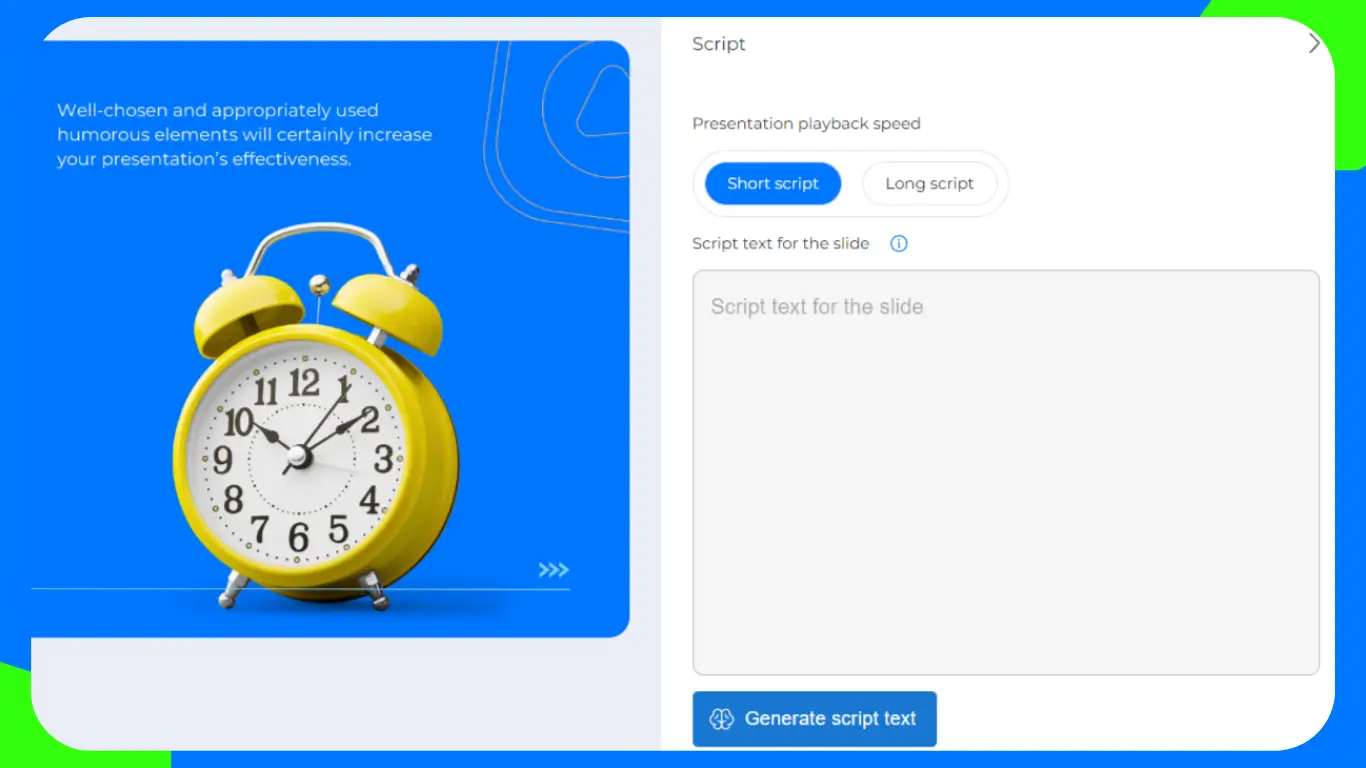
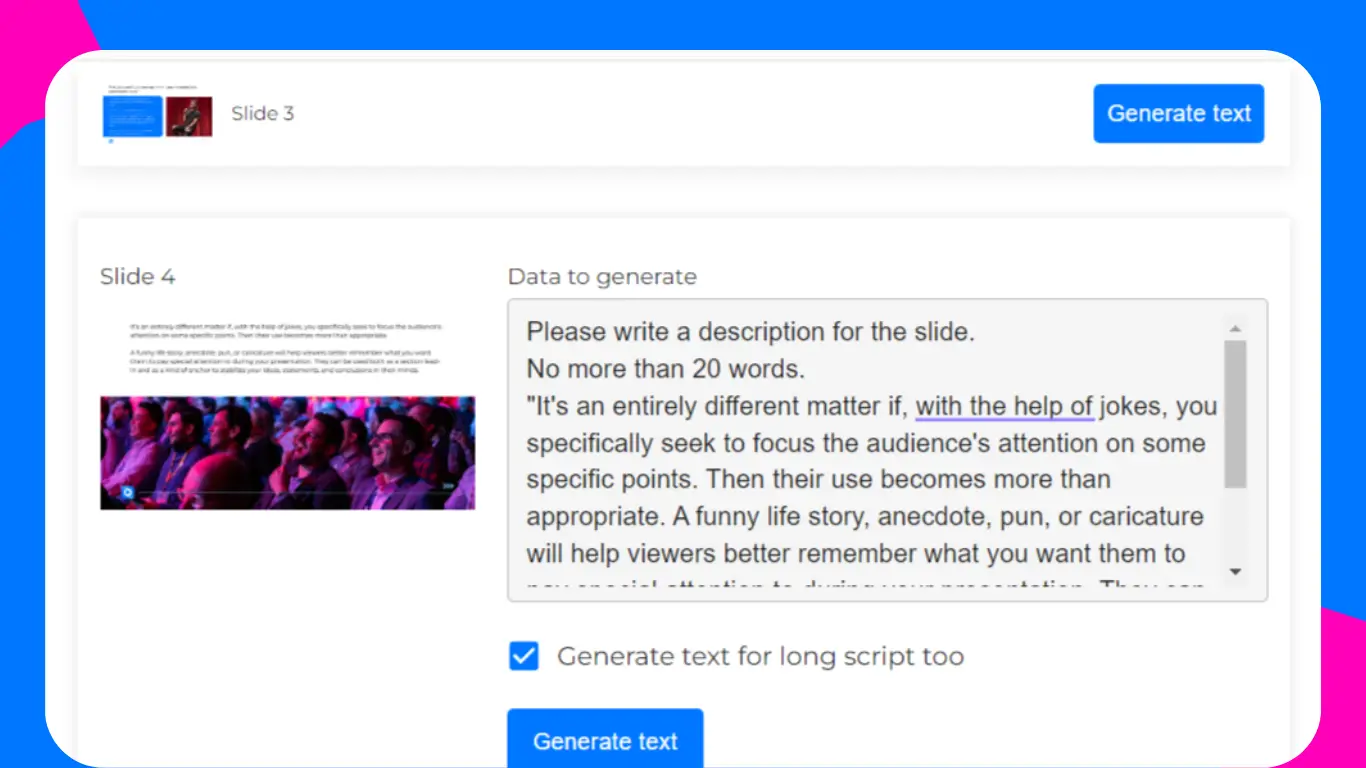
If you need to extract text from your slides, click on the “Generate text” button, and our service will do its best to pull it out for you. You can also make two versions of scripts (short and long) on every slide.
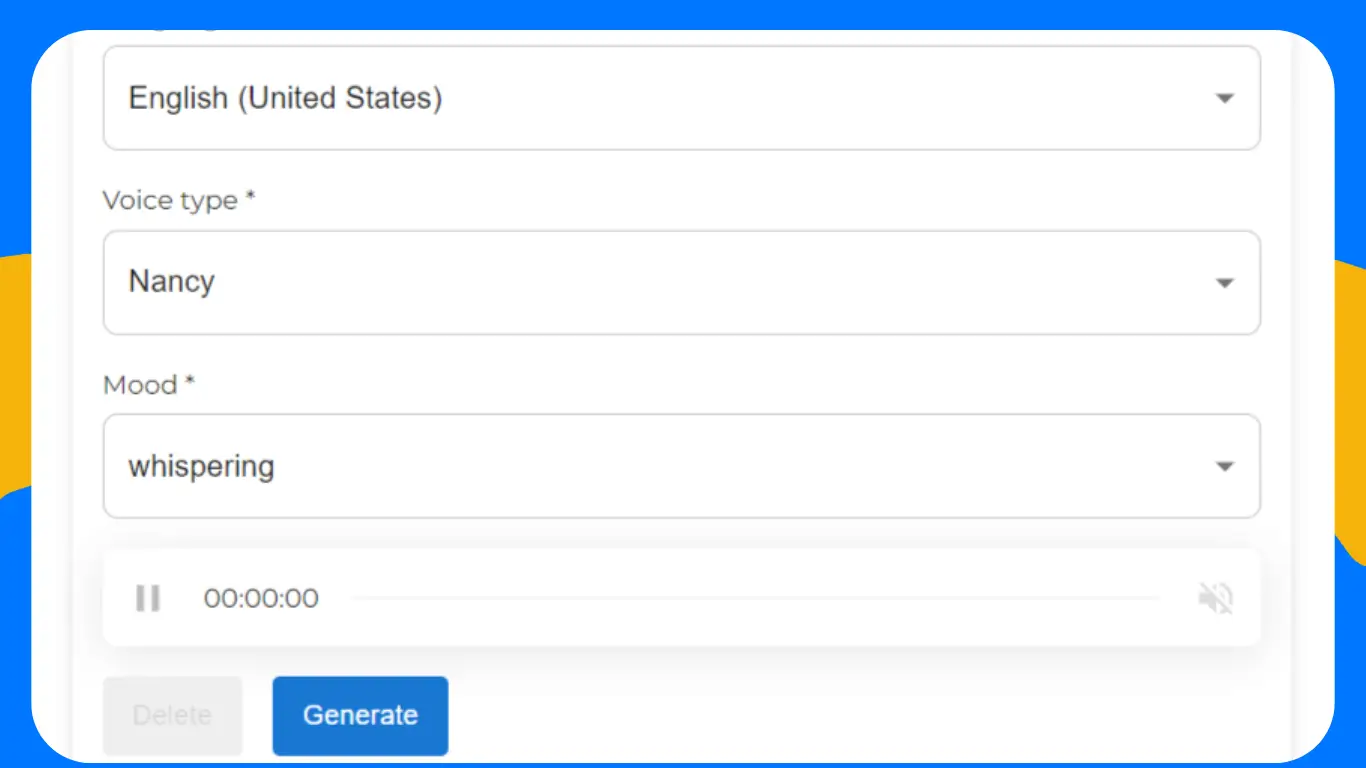
After you or the AI have written everything you need in the script field, you’ll be able to audio narrate the slide with the help of the AI. For this, click on the “Generate audio” button.
Before doing so, make sure to copy the text you want to be voiced: for now, the voice-over window opens separately from script editing. You can choose different languages, accents, and moods in sounds.
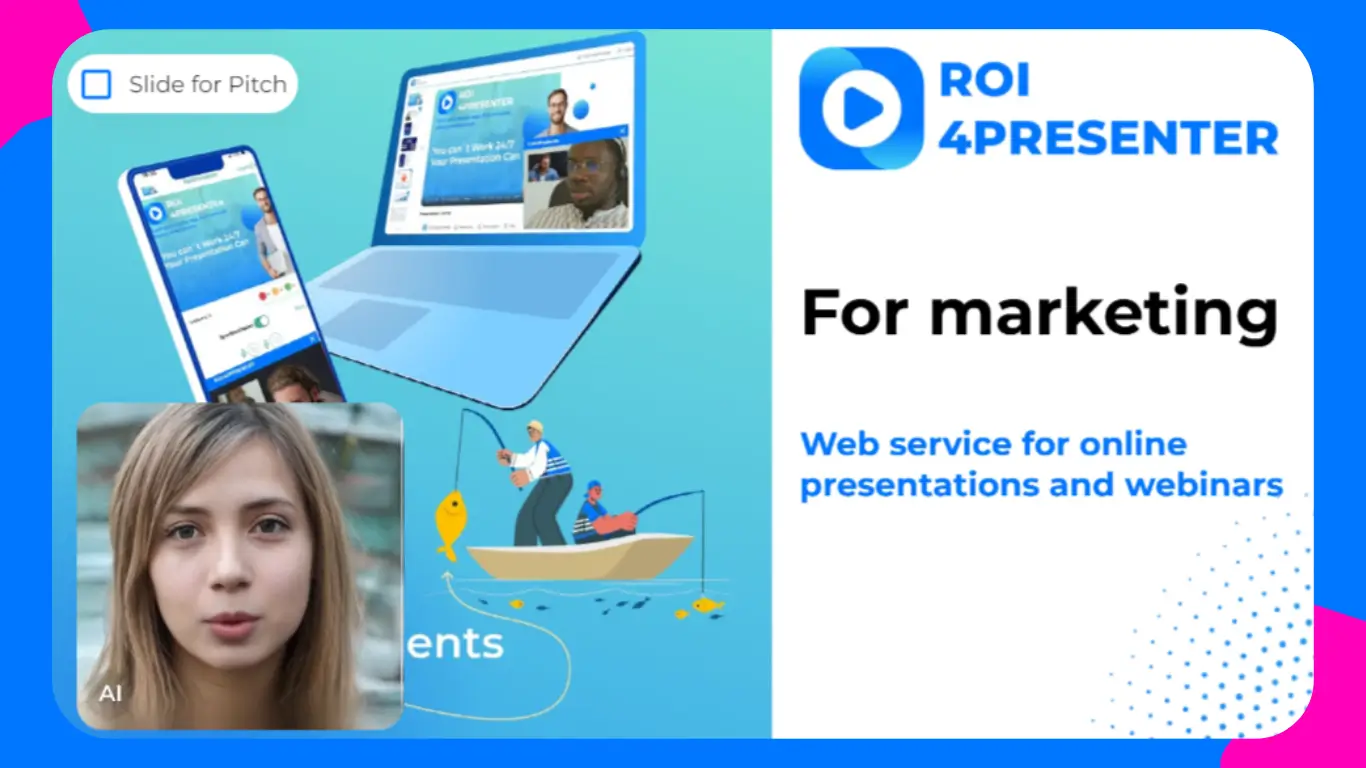
But that’s not all: we couldn’t stop halfway through implementing innovation! You can now generate a video using artificial intelligence by clicking on the “Generate video message” button and choosing your preferred settings.
Upload your photo and wait a bit for the AI to work its magic! Note, that the longer the text, the longer it will take to generate).
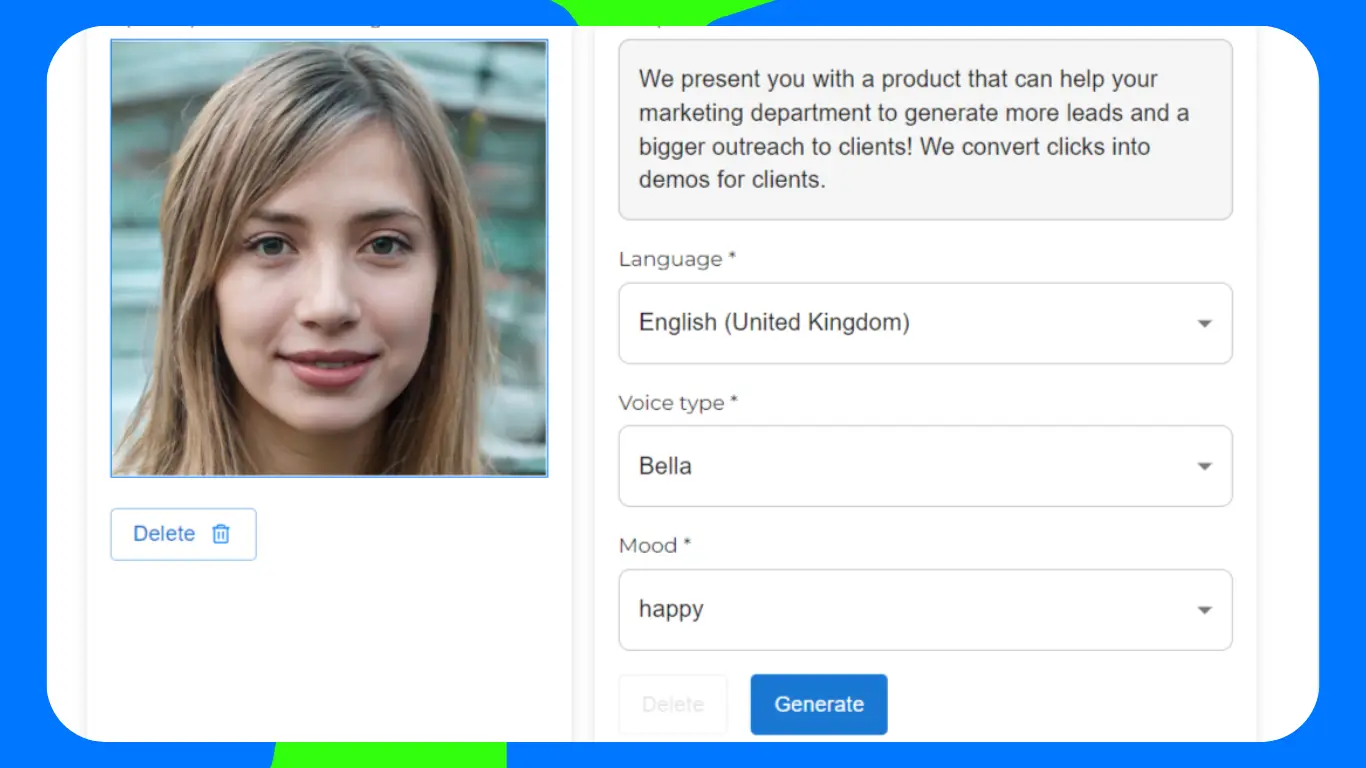
Just keep in mind that video generation is currently limited to 1000 characters, and the text needs to be copied in advance, as the window for the video opens empty. Once the AI has finished generating the video, you can save it and see a square with the recorded video on the bottom left of your slide.
For example, this is how our video generation turned out:
If you are satisfied with the result, click Save. Once you’ve saved and closed the window, you’ll see a square with the recorded video on the bottom left of your slide.
We also added updates to the ROI4Buyer functionality we wrote about last month. Now users can create triggers, for example, to go to a specific slide by voice command. The “Triggers” section has been added to the main CMS panel. You can already work with them, but we’re still fine-tuning them.
So, say goodbye to boring presentations with the service’s features and stay tuned to see Pitch Avatar becoming the most engaging and efficient presentation service!🚀


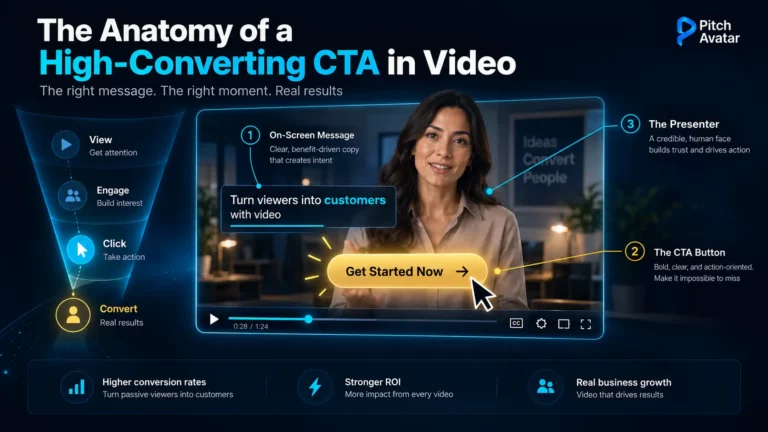
How to make your content sell, educate, and even save the world – depending on who’s watching and where. TL;DR: …

EU AI Act: What’s Already in Force, What’s Next? Live Webinar on September 23 On 2 August 2026 the EU …
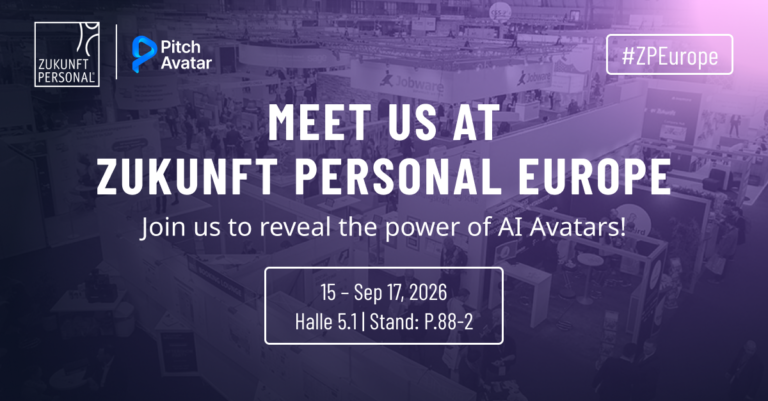
Pitch Avatar is joining Zukunft Personal Europe 2026 – Europe’s leading trade show for the world of work – on …