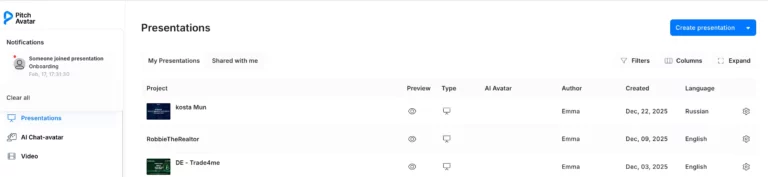
When a listener connects to your presentation, a notification will appear in the web application with a link to join the live session. If you have Pitch Avatar mobile app installed, you’ll also receive a notification there, allowing you to join the session directly from your device.
Go live with listener
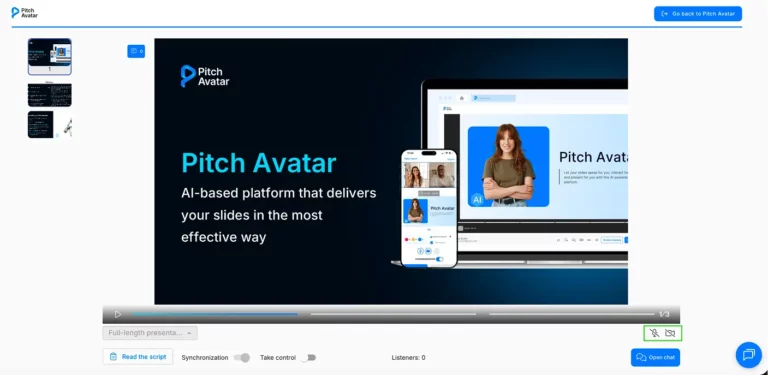
If you want to present in person or answer questions face-to-face, you can click on the notification that appears when a listener joins. Once you are in the player, simply click the camera and mic icons to turn on your video and audio.
Manage presentation
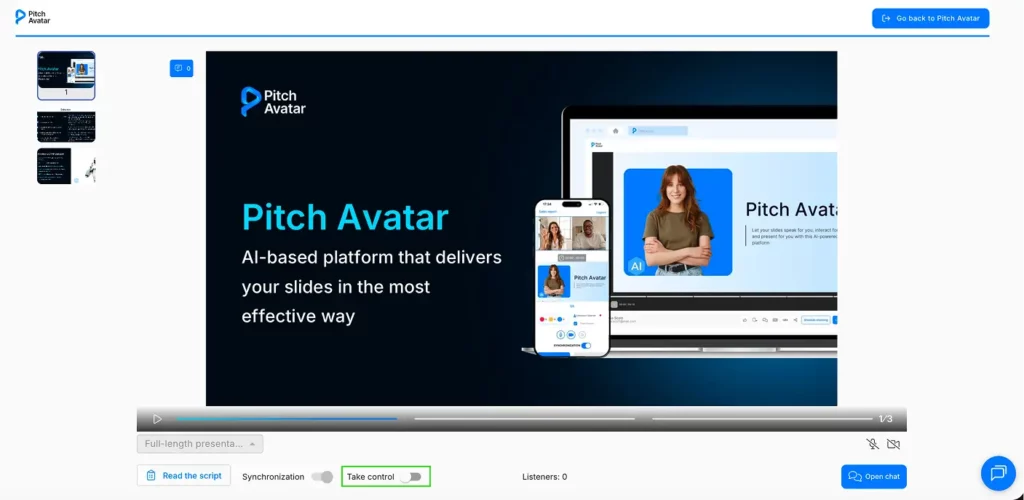
Use the Take control toggle to manage the slide sequence for your listener.
When Take control is enabled, you can switch between slides using the ribbon on the left.
If this toggle is disabled, the slide ribbon is locked, and you cannot manually switch the view for the listener.