AI Screen Recorder: Record, Present & Share with AI Avatars

Record Your Screen. Present It with an AI Avatar

Record your screen, add an AI Avatar presenter and voiceover, and share video walkthroughs – without a camera, studio, or re-recording. 

Screen recordings that do more than sit in a folder

Most AI screen recorders stop at capture and basic editing. Pitch Avatar goes further. 

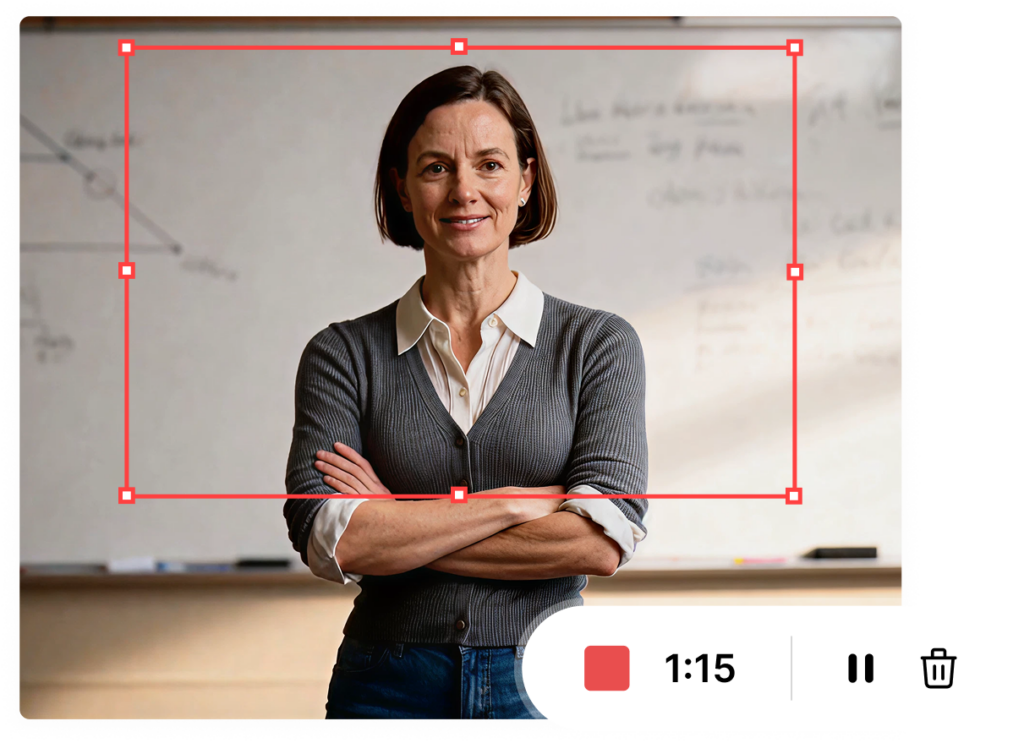
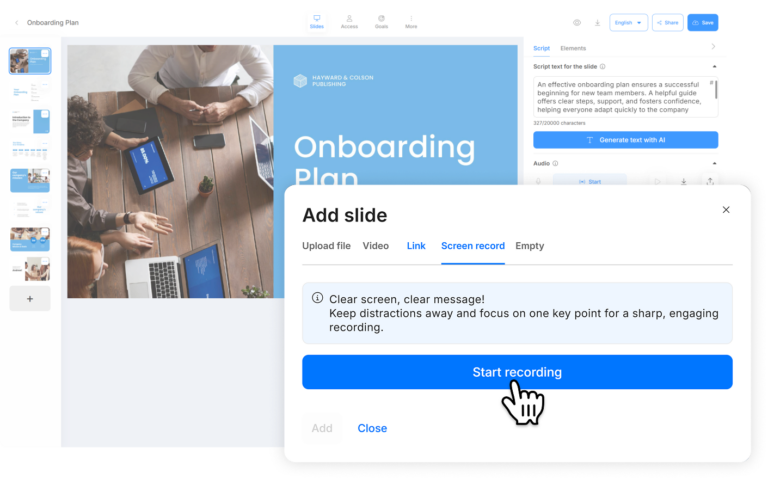
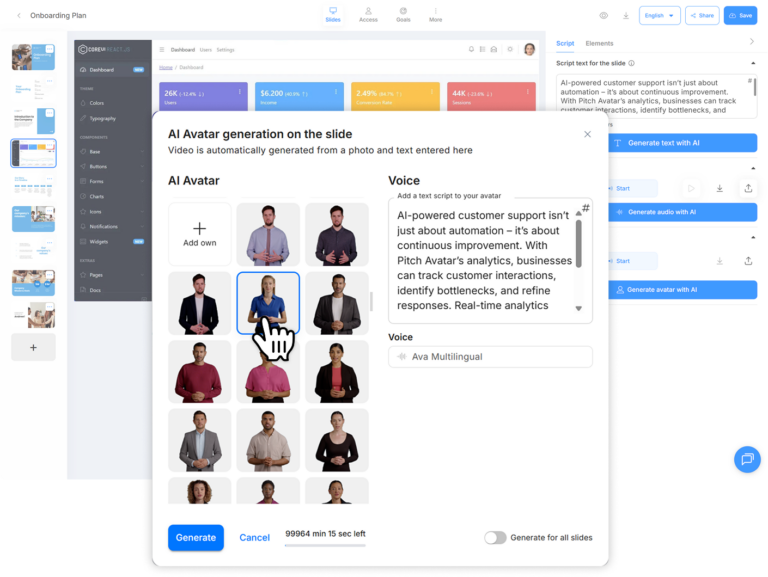
Record your screen (a product walkthrough, a training flow, a demo) and Pitch Avatar automatically adds it as a slide. From there, add an AI Avatar that will voice your content. No camera, no studio. Just input or generate your script, and the avatar delivers your message over the screen recording.

AI Voice-overs and dubbing in multiple languages

A screen recording without voiceover is just a silent walkthrough. Pitch Avatar auto-generates natural-sounding voiceovers from your script – or clone your own voice to keep it personal. Choose from dozens of voice profiles and languages.

Need to share the same product demo with teams in Berlin, Tokyo, and São Paulo? Dub your screen recording into any of 70+ supported languages in minutes. Subtitles are generated automatically. No re-recording, no freelance translators, no waiting.

Turn passive recordings into two-way conversations

Static screen recordings lose viewers fast. Pitch Avatar lets you embed interactive elements directly into your recording – lead capture forms, polls, Q&A, and goal-based CTAs like “Book a Demo” or “Schedule a Call”. Viewers don’t just watch – they engage.

When a prospect is ready to talk, they can hit “Call Presenter” to connect with a live rep – or book a meeting right from the recording. Pair this with built-in analytics and engagement tracking to see exactly who watched, how long, and what they clicked. Your screen recording becomes a measurable sales and enablement asset, not just a file sitting in a folder.

How it works

Record or upload content

Choose Avatar and voice

Add interactivity

Share and track

Step 1: Record or upload your content
Record your screen directly or import a screen
recording (MP4), link a YouTube video, or upload slides (PPTX, PDF, Google Drive).


Step 2: Choose avatar and voice
Select from a library of AI avatars or upload your own photo.
Pick a voice or clone your own to keep it personal.
Write or generate your script with the built-in AI assistant.


Step 3: Add interactivity
Embed lead forms, CTAs, polls, or meeting-scheduling links directly in your recording.
Set goals like demo requests or sign-ups so the presentation drives results automatically.


Step 4: Share and track

Generate a shareable link, embed the presentation
on your website, or distribute via Gmail, Outlook, and LinkedIn.
Track who watches, how long, and what they click – all
synced to HubSpot or Salesforce.

Use cases

Ready to turn screen recordings
into interactive, trackable presentations?

Frequently Asked
Questions

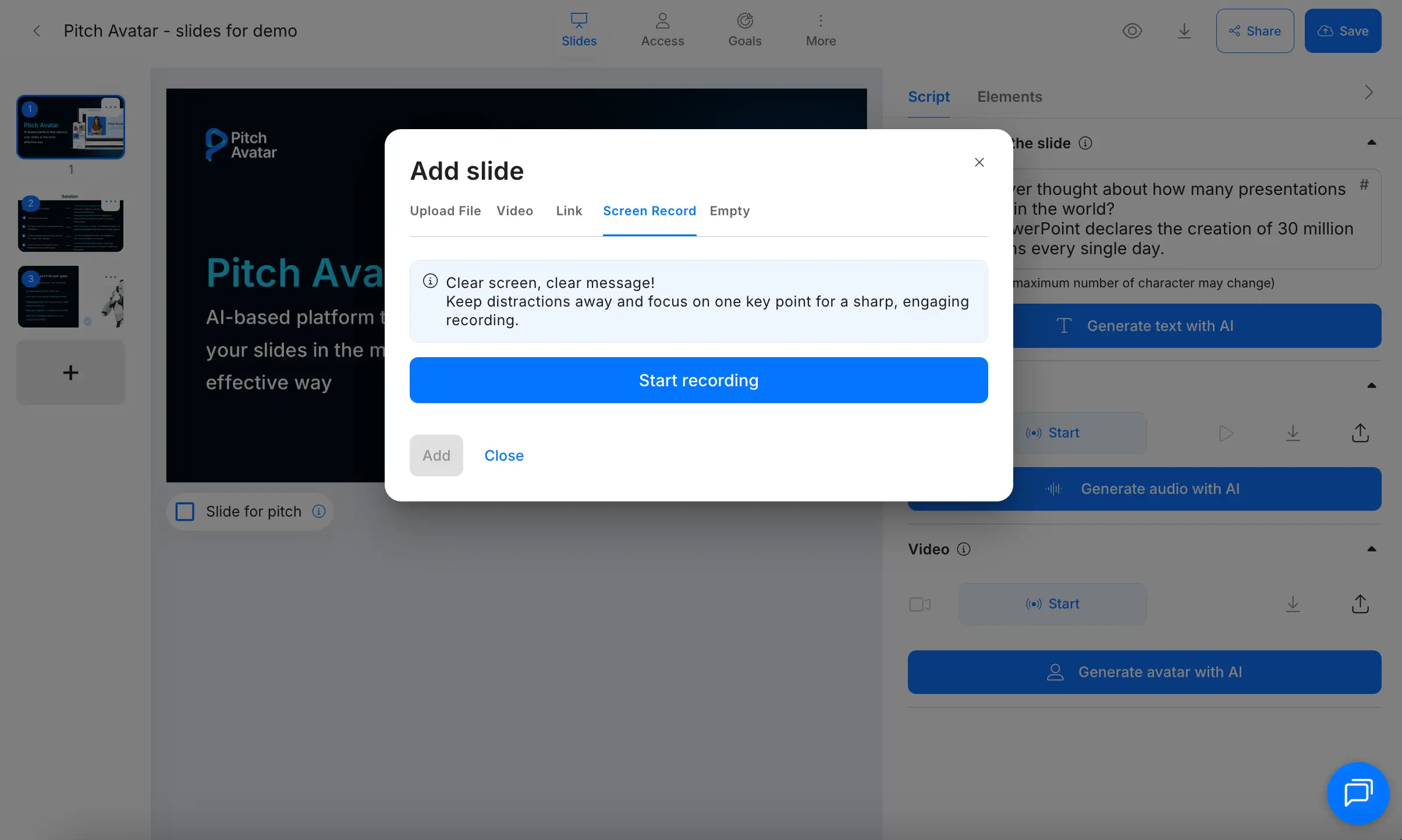
Click the “+” button to add a slide and select Screen Record. Choose which screen or browser tab to capture, record with or without narration, and your video is automatically added as a slide. From there, add an AI Avatar, generate a script, and select a language and voice. The Avatar voices your recording as if it were a live presenter.

Pitch Avatar’s screen recorder works inside the web app – no desktop download or browser extension required. You can also use the Chrome extension for outreach via Gmail, Outlook, and LinkedIn, but recording happens directly in the platform.

Traditional screen recorders stop at capture, edit, and share. Pitch Avatar adds AI avatar presenters, automatic localization into 70+ languages, interactive elements (lead forms, scheduling, Q&A), real-time viewer notifications, and CRM integrations with HubSpot, Salesforce, and Zapier. Your recording becomes a conversion tool, not just a video file.

Yes. The free 7-day trial includes unlimited AI-generated text scripts and voice-overs, 3 minutes of avatar speech, 10 presentations, 50 shareable links, and full analytics. After the trial, choose the paid plan that fits your needs.

Absolutely. Record once, then translate and dub your recording into 70+ languages using AI voice-overs or voice cloning. Each localized version keeps your original tone and can be shared as a unique, trackable link. This is useful for global sales enablement, multilingual onboarding, and international support content.

More FAQs in our Knowledge Base

how realistic should ai avatars be

How Realistic Should AI avatars Be? Finding The Sweet Spot for Business

TL;DR: The right level of realism for an AI avatar depends primarily on the tasks it has to do – …

video translation services vs ai tools comparison

Video Translation Services vs. AI Tools: A Cost-Benefit Analysis

TL;DR: AI dubbing vs traditional Language Service Providers comes down to a cost/quality tradeoff most B2B teams now resolve via …

pitch avatar at des malaga

Pitch Avatar at AI WEEK Milan 2026 | May 19–20

Pitch Avatar will participate in DES 2026, one of Europe’s leading events focused on AI, cloud, cybersecurity, and digital transformation. …

Request a demo and learn how AI can cut costs and boost engagement