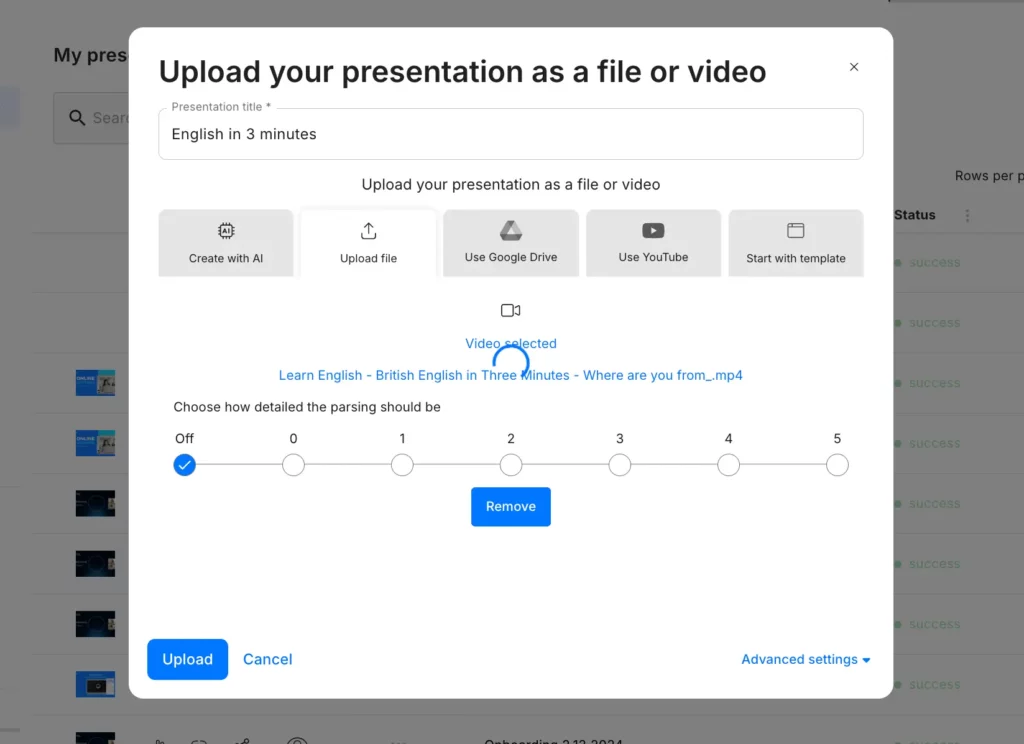
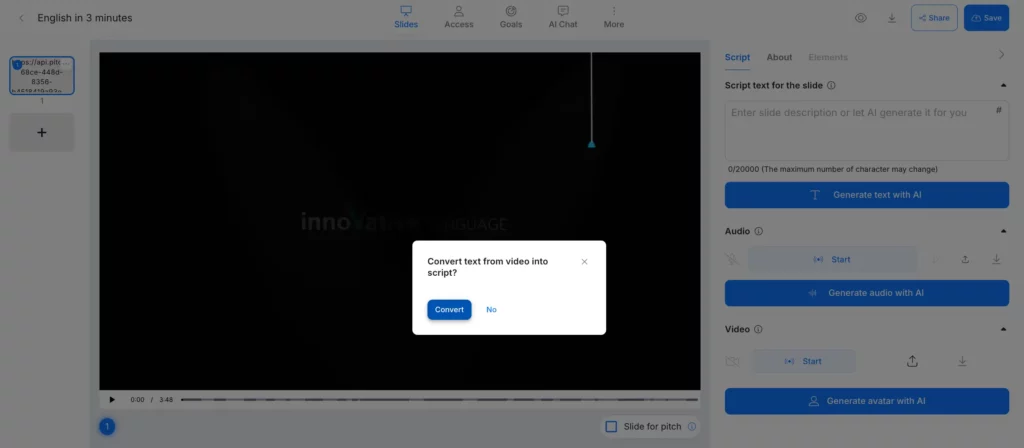
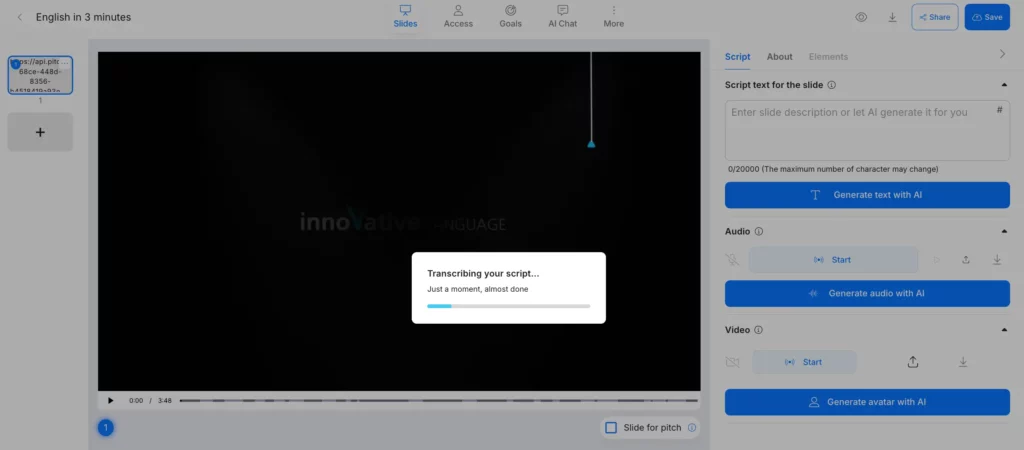
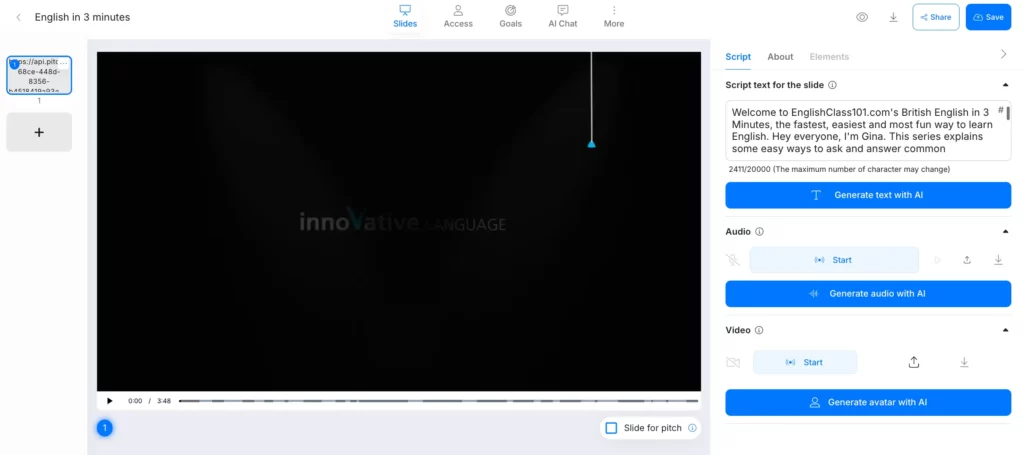
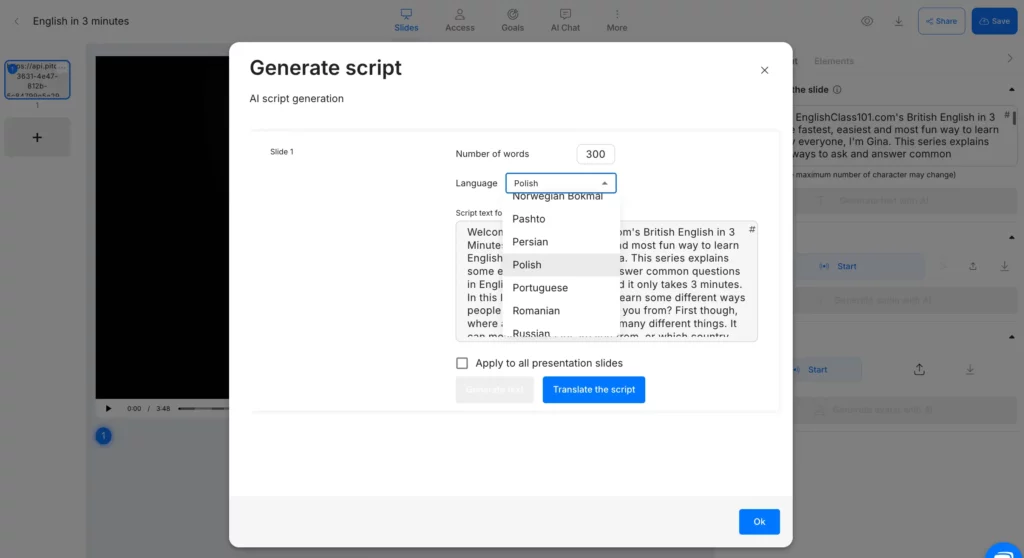
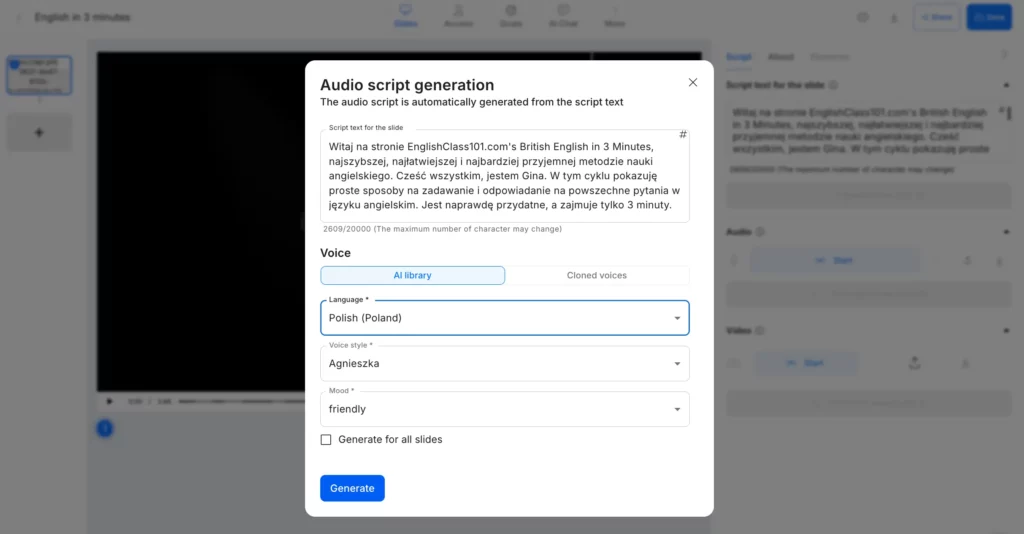
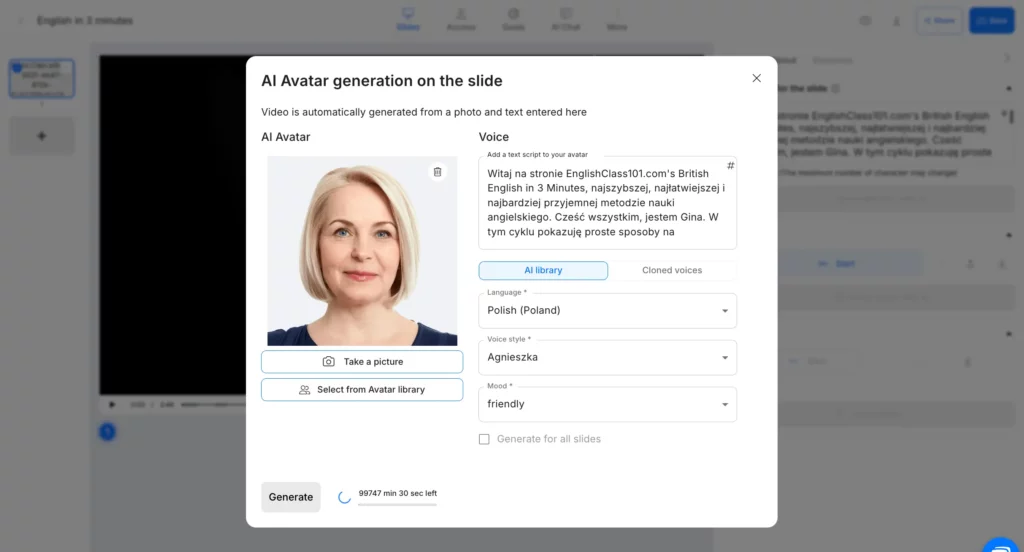
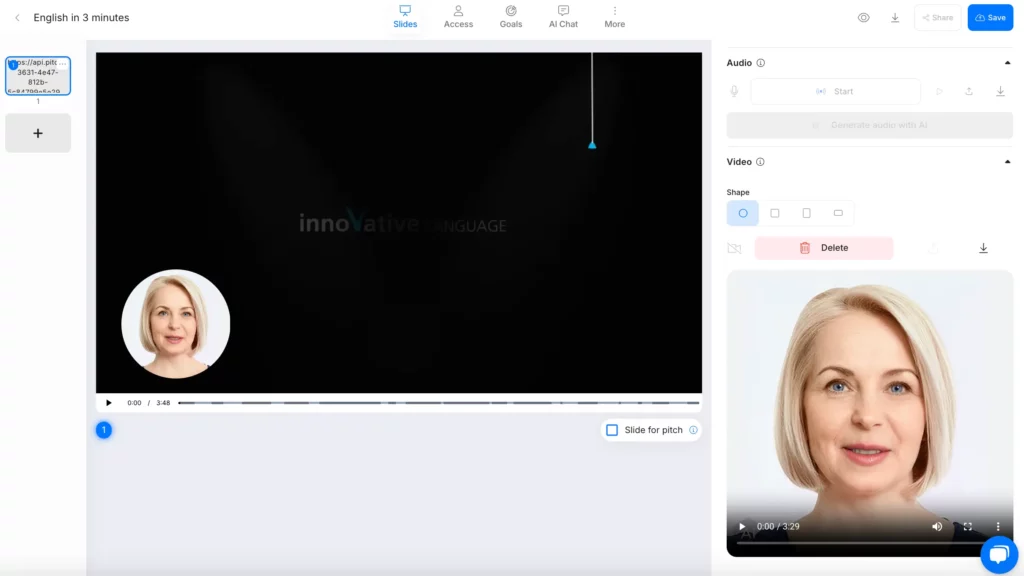
After selecting either AI audio or an avatar (friendly reminder: you can only use one option per slide), you’ll find the Edit video length below your slide. This lets you extend or shorten your video to perfectly match the new audio timing.
- No adjustment: Video plays at original speed.
- Stretch video: Stretches or shrinks video to match your audio length perfectly.
- Trim video: Trims video to fit your audio length exactly.
Download your new multilingual video or generate a personalized link and share it with the world.