< All Topics

Menu navigation

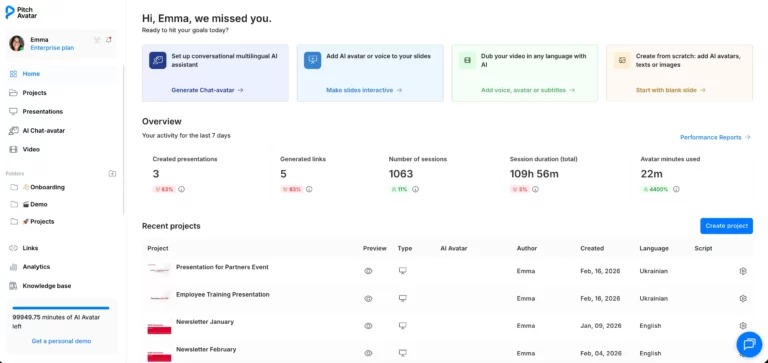
Home

Start here when you want to create something new or jump back into recent work.

From Home, you can create a new AI Chat-avatar, add an AI avatar or voice-over to your slides, dub a video into another language, start a project from scratch.

You’ll also get a quick snapshot of your recent activity and projects.
Projects

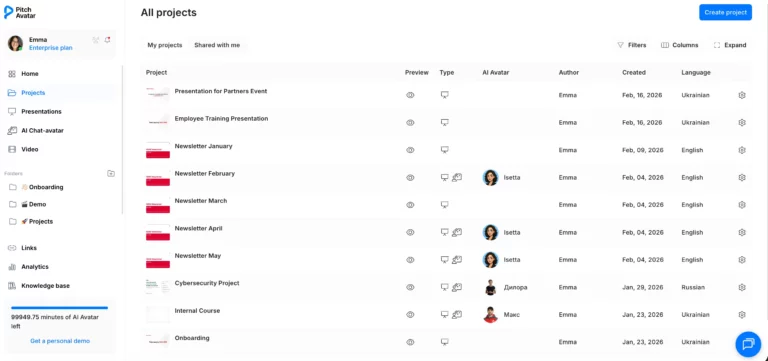
This is your workspace. Use Projects to continue editing something you started. 

Every presentation or AI avatar you start from scratch or upload is stored here by default. Shared with me acts as your collaborative hub. When a team member or partner shares a specific presentation or slide deck with you, it will appear here instead of your personal list.

Presentations

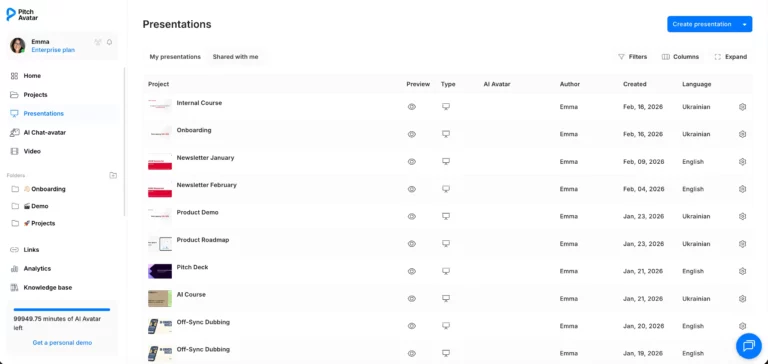
This is the dedicated library for all your slide-based assets.

My presentations

In this tab, you can view every slide deck you have uploaded or created personally.

Shared with me

This section allows you to access presentations shared with you by other team members within your company. 

AI Chat-avatar

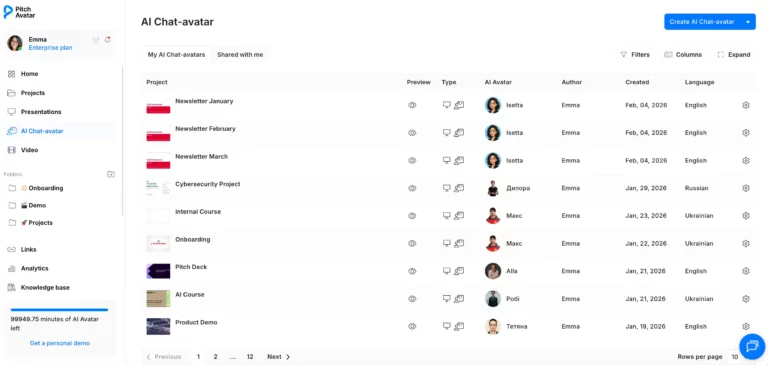
This is where you create new AI Chat-avatars that can interact with your audience 24/7.

Video

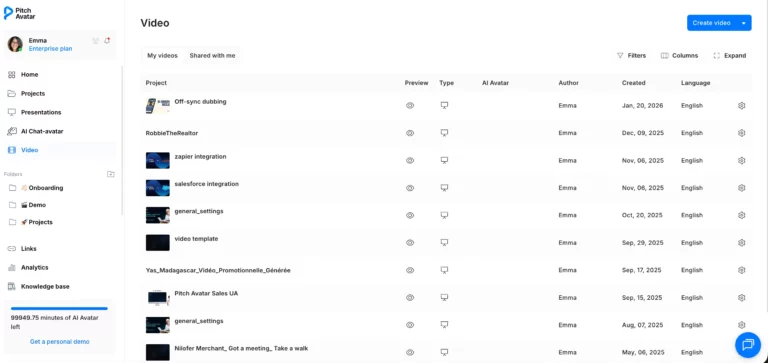
Use this section for video translation and content off-sync dubbing into over 70 languages. You can also automatically generate subtitles to ensure your video message is clear in any region.

Folders

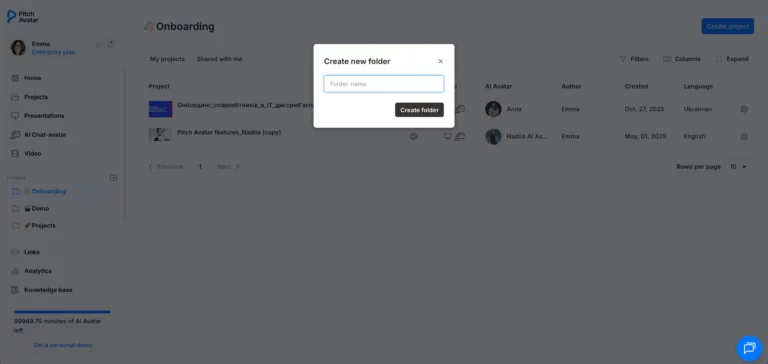
Folders help you group your presentations and projects by purpose or audience. You can see these in your sidebar.

Click the “+” icon next to the Folders heading in the sidebar to add a new category.

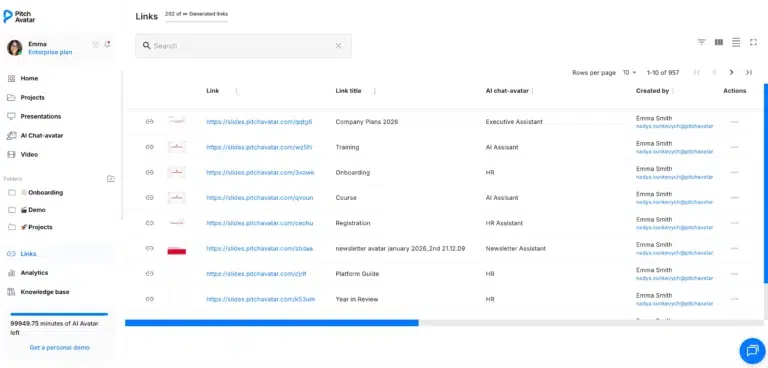
Links

This is your command center for managing every shareable presentation link generated by you or your team.

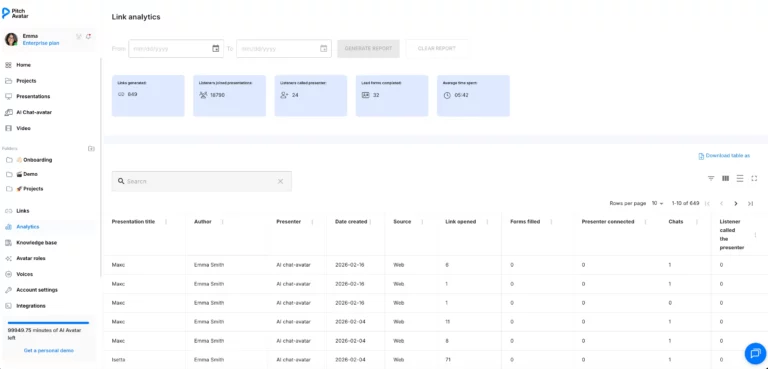
Analytics

Gain real-time insights into how your audience is interacting with your content.

Track key metrics, including total links generated, listeners joined, and leads captured via completed forms.

Review detailed data on the average time spent per presentation and see exactly when listeners called a presenter for live support.

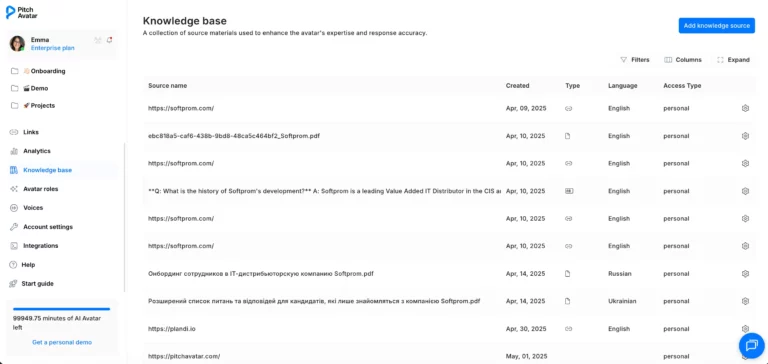
Knowledge base

The Knowledge Base is a specialized source used exclusively to enhance the expertise of your AI Chat-avatars. By providing the AI with specific source materials, you ensure its responses are accurate and grounded in your provided facts.

Avatar roles

This is a list of all roles created for your AI Chat-avatars

You can modify and update existing roles to change how they behave or respond.

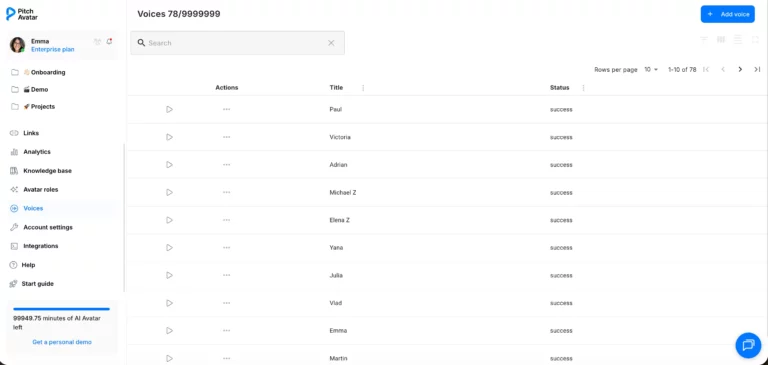
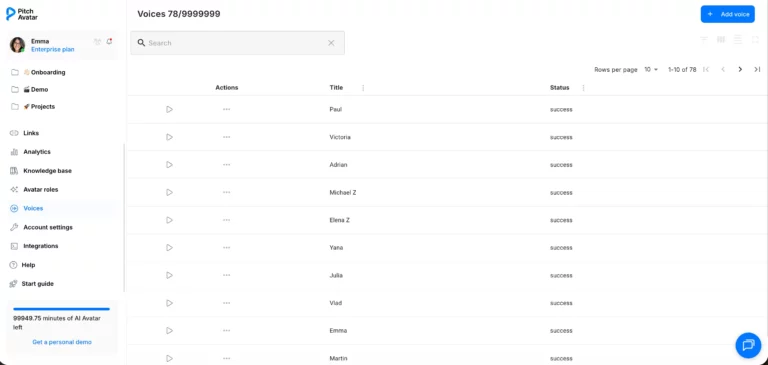
Voices

Here you can clone your own voice for a truly personalized and authentic experience. 

Table of Contents