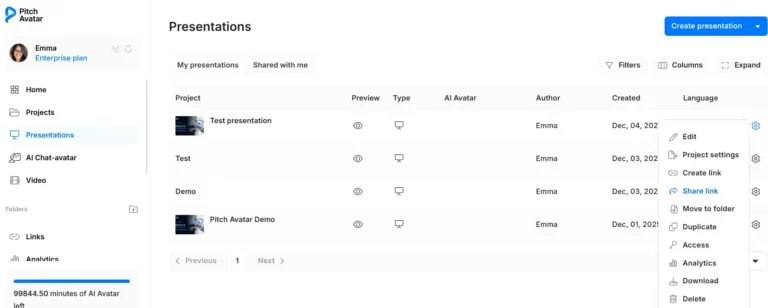
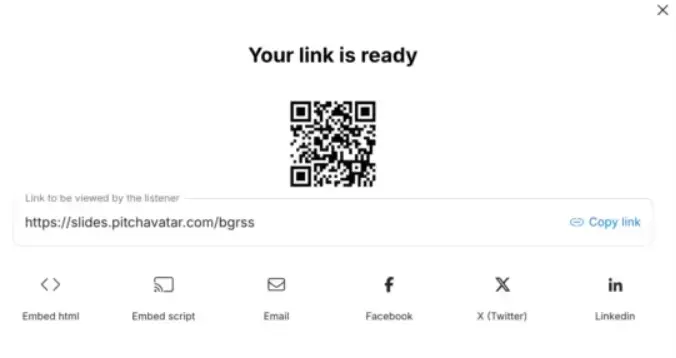
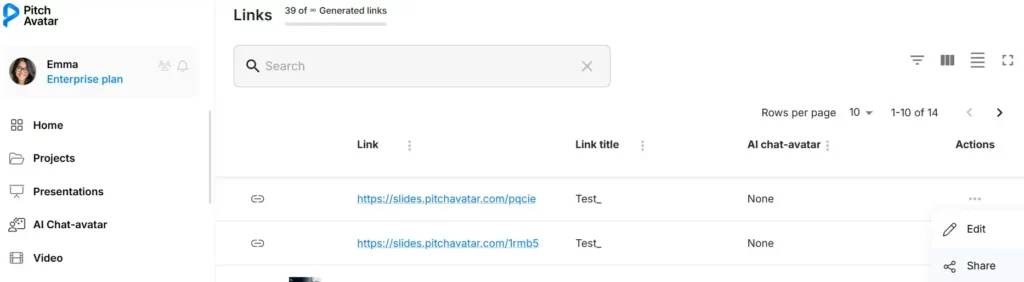
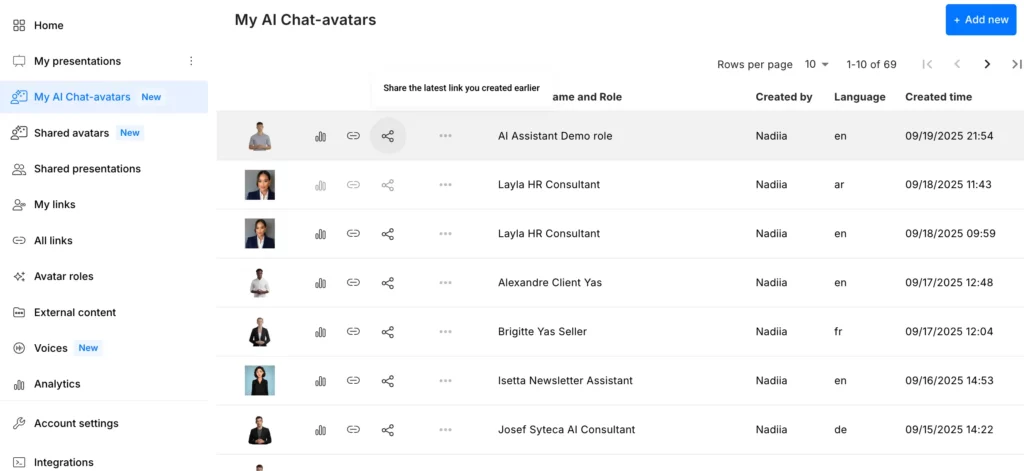
Note: You cannot re-share a presentation or Chat-avatar that was shared with you.
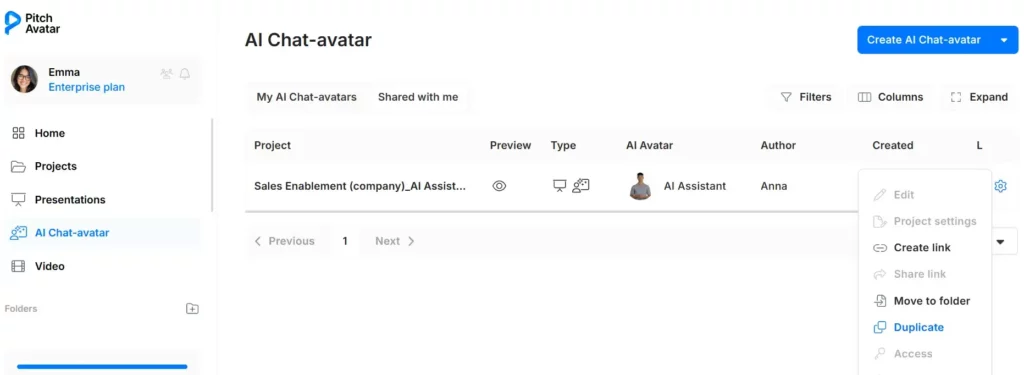
However, you can make a copy and share your own version:
If an AI presenter presentation was shared with you, the copy will appear in My presentations.
If a Chat-avatar was shared with you, the copy will appear in My AI Chat-avatars.
After that, you can edit the copy and share it as your own.