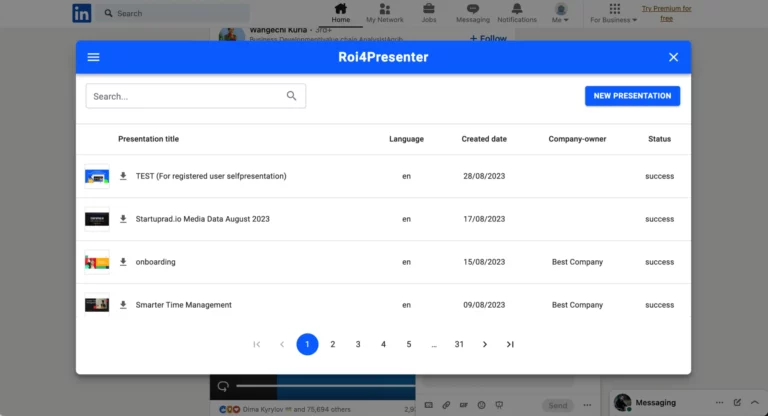
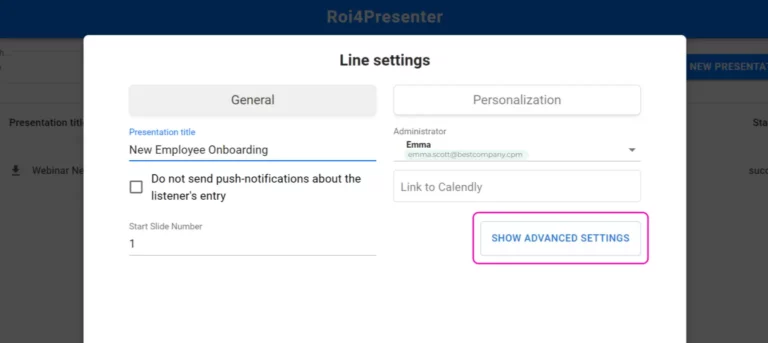
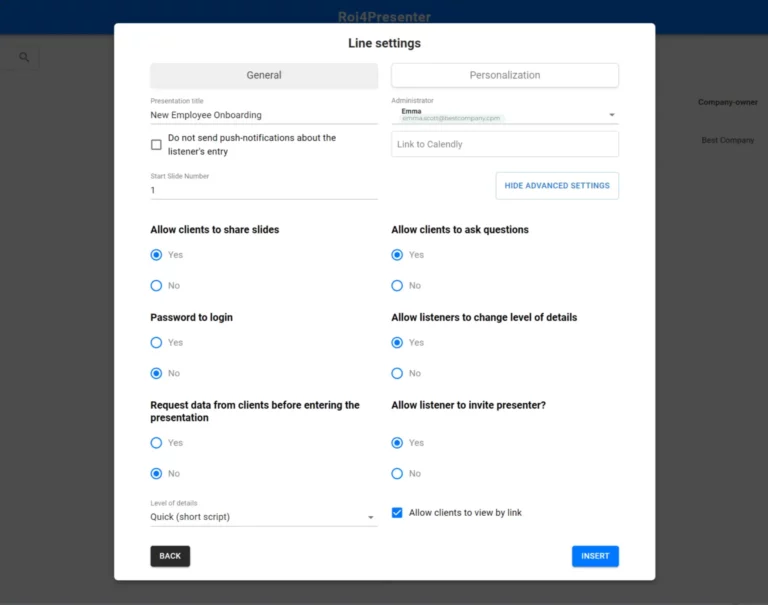
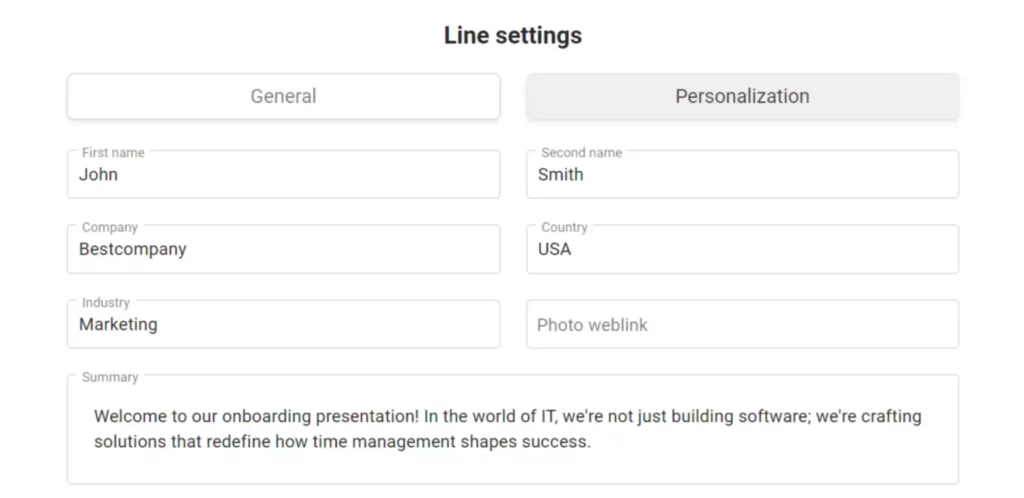
You can integrate Pitch Avatar with your LinkedIn social network account. To do this, just follow a few simple steps.
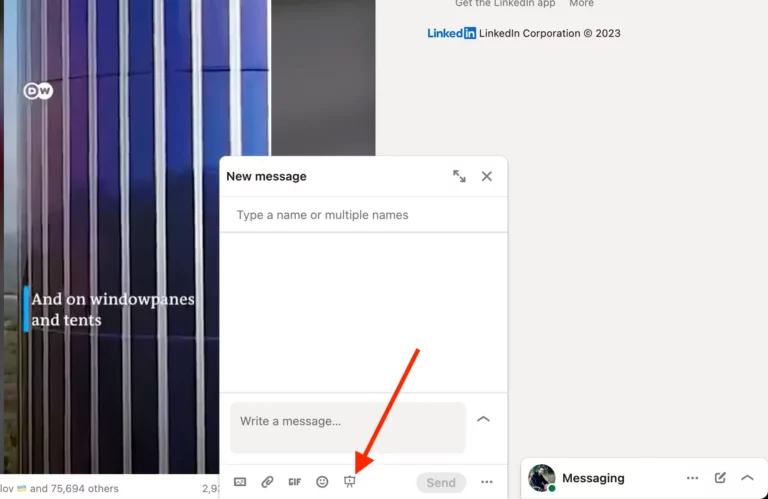
To get started, you need to install the free Pitch Avatar Customer Catcher extension in your Google Chrome web browser. You can download the extension from the Chrome Web Store. Integration with LinkedIn will be set up automatically after installing the plugin, and if the extension is installed correctly, you will see a presentation symbol next to the emoji icon in the LinkedIn messaging interface.