Key features of Pitch Avatar integration with Salesforce
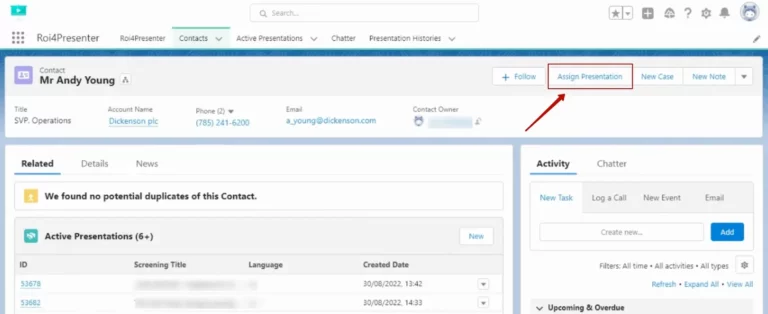
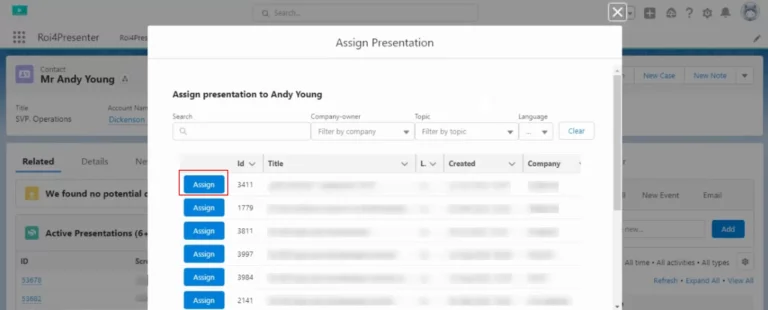
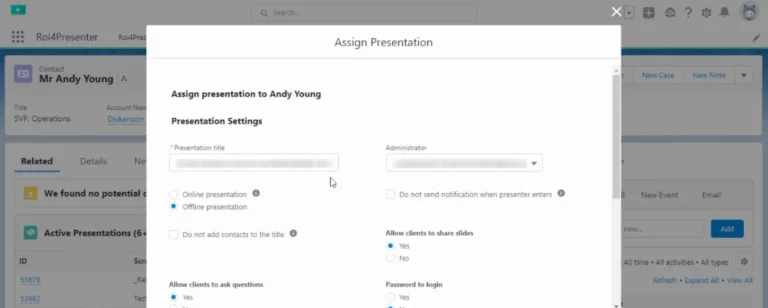
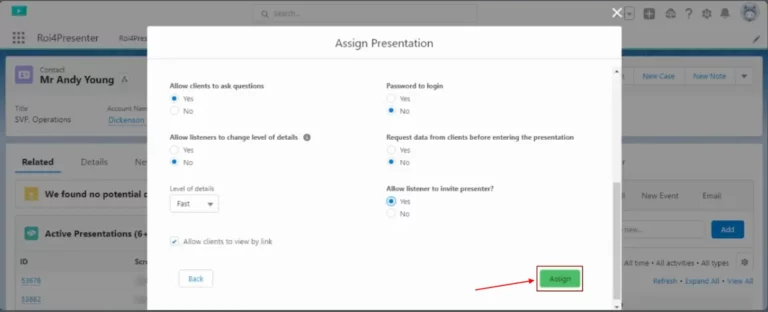
Creating an active presentation from CRM
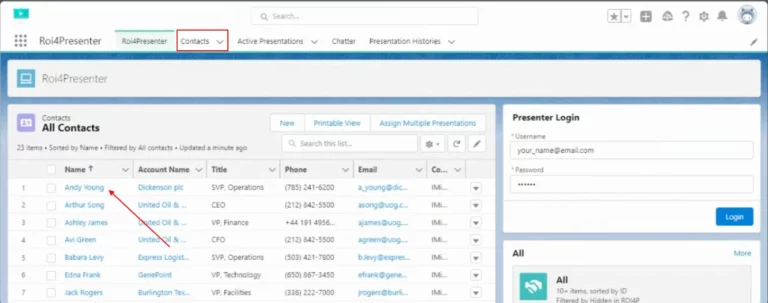
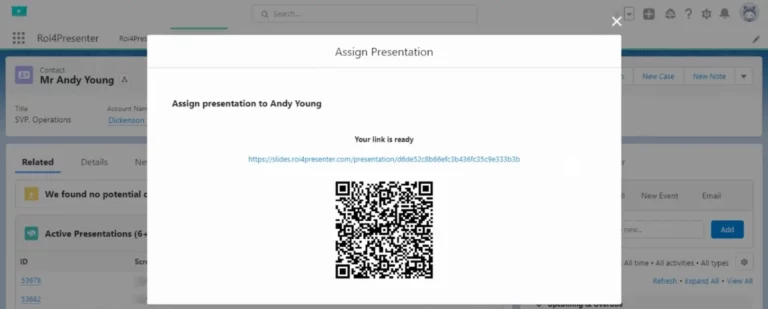
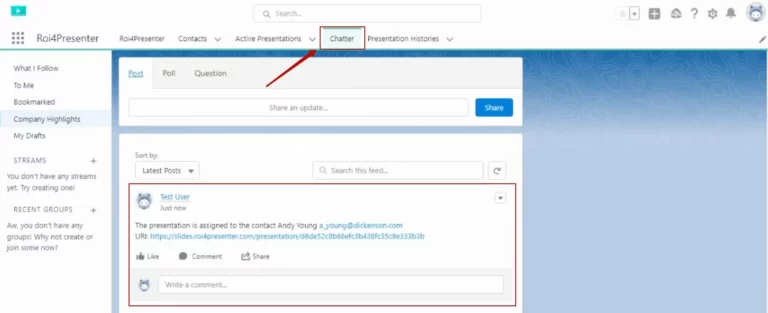
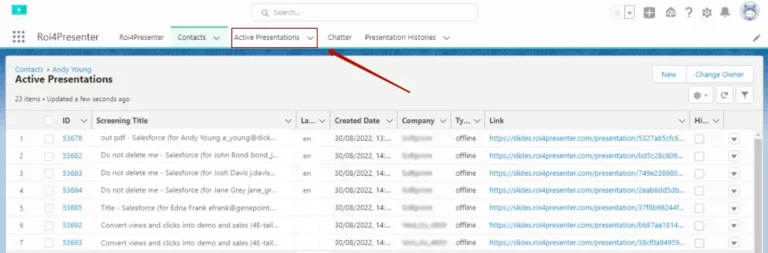
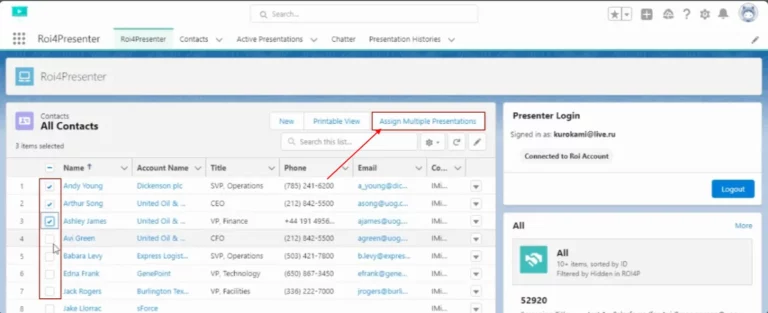
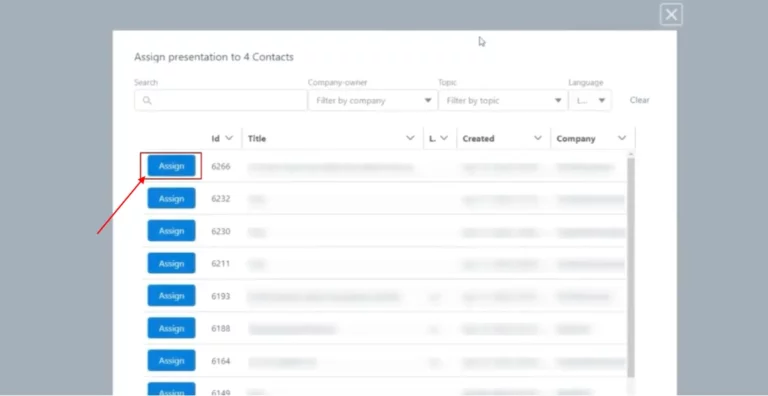
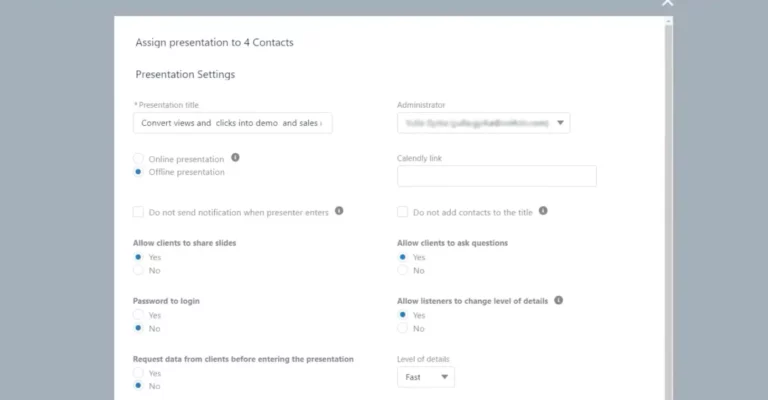
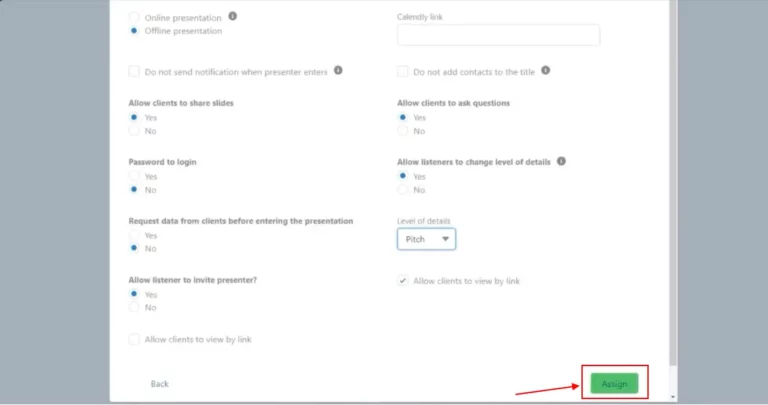
Easily create live presentations directly from a contact card in Salesforce CRM. Once you select the desired contact, you can generate a link to the presentation and configure its settings. The active presentation will then be automatically assigned to the contact in the list of assigned presentations on the contact page.
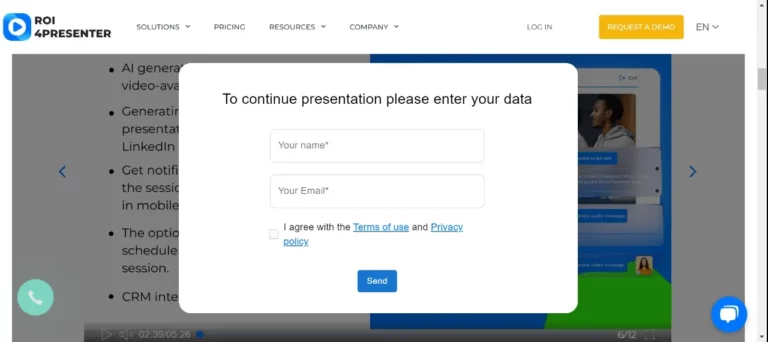
Automatic generation of new leads
After listeners fill out the lead form from the presentation in Salesforce, new contacts (leads) will be automatically created.
The integration sends the following data about new leads to the Salesforce:
- Personal information such as name, title, company name and email address.
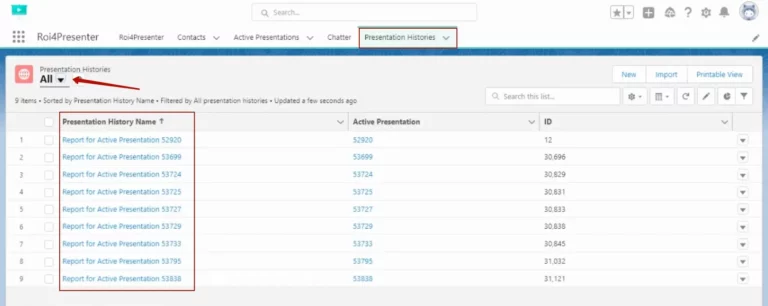
- Information about which active presentation was viewed, including the link and date viewed.
- Total viewing time, as well as start and end times of viewing.
- Time spent on each slide.
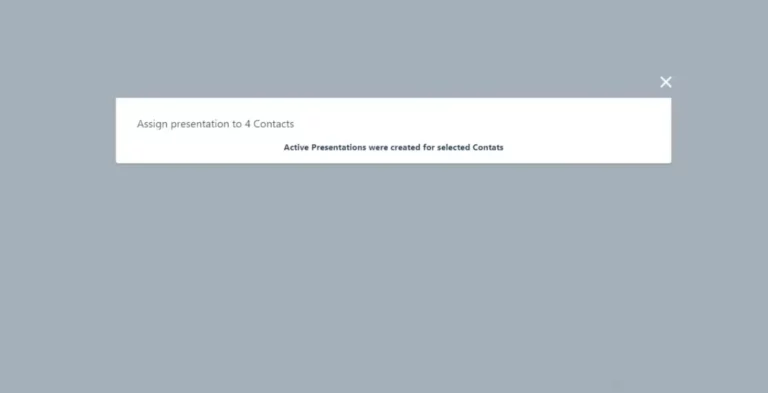
Bulk assignment of links to presentations
Automate assigning presentation links to your contacts – Set up a workflow to automatically assign active presentation links to contacts based on certain conditions or actions. For example, when a contact actions occur or at a certain stage in a workflow, the system can automatically assign a link to the corresponding presentation. It makes content management much easier and faster.
These integrations enable you to manage presentations efficiently and leads in Salesforce, providing more robust tracking and analysis of interactions with contacts and presentations.