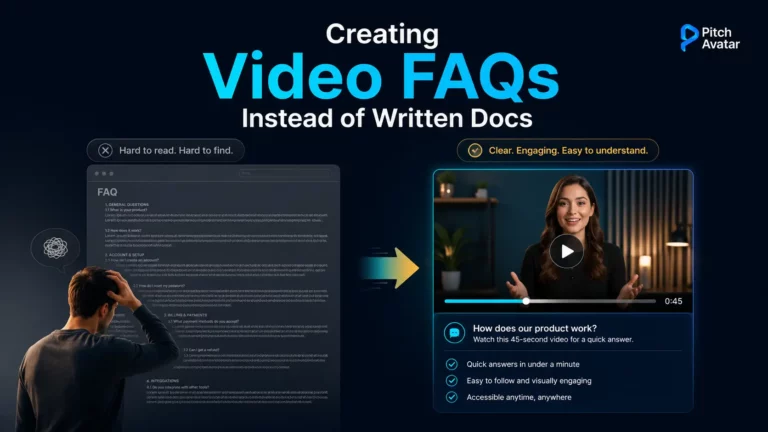
Let’s start with a simple question: when was the last time you read an FAQ section without feeling a little annoyed? And when was the last time you felt like an FAQ was accessible and well written? How often have you managed to read it from beginning to end? Most likely, like Poe’s raven, your answer to all these questions is: “Never, never, never”.
TL;DR (yes, we see the irony of putting one here): Nobody reads help-center articles – people scan, not read, and most would rather watch a short video than wade through an article. Video FAQs solve this problem, and AI avatars address the main drawback of videos: the cost of producing them and re-creating every time the interface or pricing changes. Action plan: Audit the 20 most visited FAQ pages, rewrite them as 30-90 second audio scripts, create videos featuring avatars, embed them with short text descriptions, and make changes based on user drop-off analytics. The result is self-service support that people actually use – with a human face.
We usually contact the support center in a state of mild (or not so mild) panic. Something broke, a button won’t click, a payment won’t go through. And what do we see when we click on the coveted question mark icon? A monumental wall of text written in dry, bureaucratic language. To be honest, it’s not exactly a mood booster. Instead of a quick and clear solution, you are forced to thoughtfully and patiently read a seemingly endless “bedsheet” of text, searching for an answer that you still have to decipher.
Typically, it’s at this moment that the average user’s brain makes what it believes is the only correct decision: close the tab and go call the support team.
It’s no coincidence that our time is called the era of clip thinking. Its main symbols are Shorts and Reels. Today, forcing a client to read a ten-page manual (or even half a page) is a true crime against the customer experience. That is why upgrading help centers with video content has turned from an “option” into a necessity for businesses. Video FAQs are now one of the primary tools for communicating with clients, and (spoiler alert!) you no longer need to hire a film crew to create them.
The "Wall of Text" Problem and the TL;DR Phenomenon
The abbreviation TL;DR (Too Long; Didn’t Read) has become one of the unofficial mottos of the modern internet. Nielsen Norman Group research confirmed what many had already guessed: people don’t read text on the internet – they scan it. In NN/g’s landmark eye-tracking study, 79% of users always scanned a new page, while only 16% read word by word. The user’s gaze scans headings, lists, and bolded words, trying to find a solution to their problem in a split second.

When your help content consists entirely of text:
- Cognitive load increases. A person needs to switch attention from the problem to understanding a complex text.
- The company incurs additional costs. Instead of using the self-service portal, the customer calls the support service. And every call or ticket costs money
- Empathy is lost. Text is faceless. It cannot calm down an irritated user.
You might think your text instructions are perfect. But if they aren’t read, they are useless. Remember the classic theatrical rule: “If there’s a gun on the wall, it must go off”. Paraphrasing it – if there’s an FAQ on the website, it must solve problems. And this is where the self-service video format comes to the rescue.
Why Video? And Why AI Avatars?
Video is the obvious choice: 63% of people would rather watch a short video to learn about a product or service – far ahead of the 12% who prefer a text-based article. Video holds attention, demonstrates the process visually, and gets to the point faster.

But until recently, all the positive aspects of video FAQs were dashed against the rocks of harsh video production reality. Here’s what it used to look like: You decide to record a video tutorial for your product. You rent a studio, hire a production crew (all of which costs a lot of money), and invite a cute manager named Jack into the frame. You record 50 videos. Then, after six months (or three months, or even one month), your development team redesigns the interface. Or there is a complete update of the line of devices you sell. Or, for objective economic reasons, the pricing plans change. That’s it! The video with Jack needs to be deleted, and you’ll have to invite Jack back to the studio (which, remember, you’ll have to rent again, and also hire a film crew at a high cost) to re-record everything from scratch.
This nightmare has stopped companies from making a large-scale transition to video support for years. Until artificial intelligence intervened.
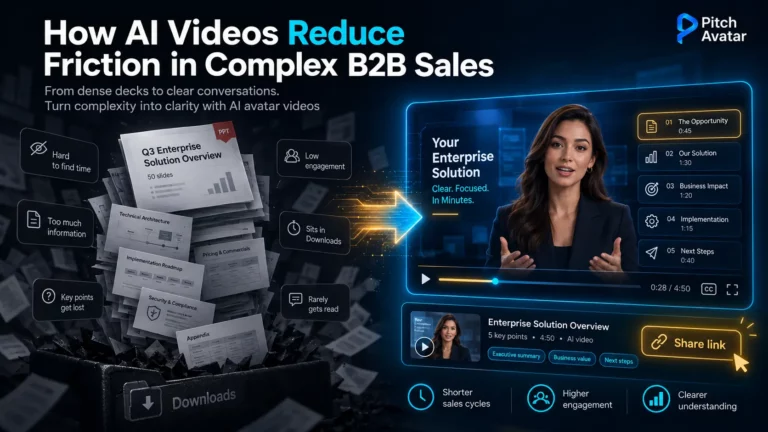
Creating videos with AI avatars solves the main problems of video content: difficult scaling and the high cost of production and updates. At the same time, an AI avatar is the perfect presenter who looks and speaks exactly the way you need. They are always ready to work, never get sick, never ask for a raise, and won’t show up to a shoot with bags under their eyes.
Platforms like Pitch Avatar clearly demonstrate how the video creation process has been simplified to just a few clicks. You simply take your old, boring text manual, upload it into the system, select (or upload) a suitable image and voice for your digital presenter, adjust the style, emotional delivery, and intonation… Now say the magic word “Abracadabra,” and the text will instantly turn into an interactive video. Just kidding. You don’t need to say “Abracadabra”. Everything else is true, though. The AI avatar on screen will deliver everything you need with natural facial expressions and gestures, just like a professional presenter.
And if something changes tomorrow (for example, pricing plans), you don’t need to reshoot anything. You log into the platform, make changes to the text script (e.g., change “15%” to “10%”), click the generate button, and get an updated video. It sounds like magic, but this is our reality today.
For international companies, the ability to create videos in different languages is a particularly important feature. To do this, you simply need to set the desired language for your content in the settings. The translation will be done automatically.
You shouldn’t dismiss “human-like” AI avatars as mere tech toys. Classic e-learning research (specifically, the Social Agency Theory) has long proven that having a face in the frame switches our brain into social interaction mode, significantly increasing engagement compared to a voiceover or a bare screencast. And several modern tests confirm that this effect persists even when the instruction is read by a high-quality AI avatar instead of a live actor. Humans need humans – even if they are digital.
How to Turn Boring Text Into a Video FAQ: Step-by-Step Guide

Transitioning from text manuals to video instructions with avatars might seem like a daunting project, but if you break it down into steps, the process becomes clear and manageable. Here’s a guide on how to make that transition without going gray.
Step 1. Audit and ruthlessly clean up your current knowledge base
You don’t need to immediately try to adapt all 500 articles in your help center. Open your analytics (Google Analytics, Zendesk, etc.) and find the top 20 most visited FAQ pages. These are the ones generating the bulk of support tickets. If your knowledge base has an article on “How to use our product on Windows 95”, it might be time to simply delete it instead of turning it into a video.
Step 2. Rework the text into a video script.
Text intended to be read and text intended to be spoken aloud are two different languages.
- Cut the corporate phrases. Instead of “In the event that it becomes necessary to modify the parameters of your account…” write: “Want to change your profile settings? Let me show you how”.
- Follow the 60-second rule. The ideal length for a FAQ video is between 30 and 90 seconds. If the process is longer, break it down into several short videos (Part 1, Part 2).
- Structure it: Problem → Solution → Call to action (or a link to the next step).
Step 3. Choose an AI avatar and generate a video
This is where generative platforms come into play. Open your favorite tool (as mentioned, Pitch Avatar handles these tasks perfectly).
- Choose the “face” of the company. This could be a strict avatar in a suit for the B2B segment or a relaxed character in a hoodie for a Gen Z startup. Remember that an AI avatar can also be generated based on an uploaded photo.
- Choose the voice and language. A massive advantage of AI is that the same script can be translated into multiple languages with a couple of clicks and voiced by native speakers. Say goodbye to the services of expensive translators and localization experts!
- Adjust the AI avatar’s style and emotions. You can use pre-set styles or create your own unique style by experimenting with the settings.
Step 4. Website embedding
Replace huge paragraphs of text on your support pages with compact video players. Important: don’t remove the text completely! Leave a brief summary (bullet points) below the video for those riding the subway without headphones. The combination of short text and a video with an avatar provides maximum effect.
Read how to design a video that works with the sound off in our guide to silent video marketing
Step 5. Analytics and iterations
Video FAQ is not a monument that will stand forever. Analyze at what second people close the video. If 80% of viewers stop watching after 10 seconds, you’ve made the intro too long. Rewrite the script, create a new video (fortunately, with an AI avatar, this process takes a few minutes), and test again.
For a full breakdown of which metrics matter (retention curves, engagement heatmaps, CTA timing), see our guide to AI video analytics.
The Future of Customer Experience: Self-Service With a Human Face
We are currently witnessing the process of modernizing support centers using video content. Technology has finally caught up with our needs. Companies are no longer restricted by production budgets, and users no longer have to wade through a jungle of technical documentation.

Using video FAQs with AI avatars solves the long-standing conflict between a company’s desire to automate support (to save money) and a customer’s desire for live communication (to avoid feeling abandoned). AI avatar creates exactly this feeling of live communication, lowering the user’s irritation level and quickly solving their problem.
Leave the long texts to lawyers and user agreement writers (nobody reads them anyway). Create content for your customers that they actually want to watch. If you value your users’ time, they will surely reward you with loyalty. And your support team will finally stop having nightmares about server crashes and thousands of angry requests.
By the way, AI avatars as video presenters are quite common. When implementing them, it is worth remembering that in the future, AI agents capable of interactive real-time communication will play an increasingly important role in customer interactions. Their implementation is happening today, and it’s only a matter of time before the FAQ turns into a Q&A session with a highly qualified, tireless AI agent ready to solve users’ problems 24/7.